
10 Ways Students Can Stay Safe Online
Ten practical online-safety habits for students covering passwords, privacy, suspicious links, personal information and responsible digital behaviour.
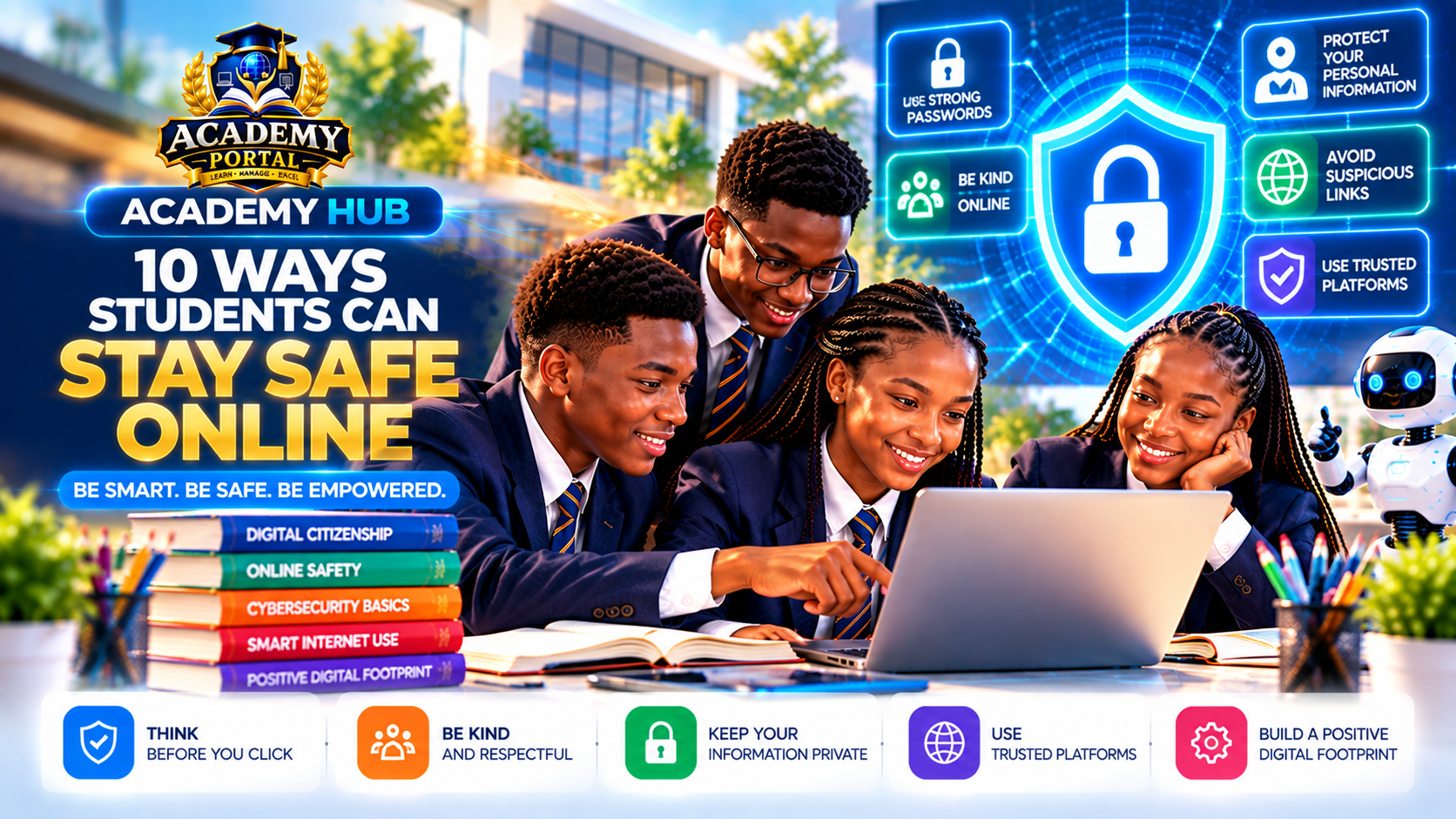
The internet can support learning, creativity and communication, but using it well requires good safety habits. Online safety is about making informed choices that reduce unnecessary risk.
1. Use strong, unique passwords
Avoid obvious details and do not reuse the same password across important accounts. Where appropriate, use a trusted password manager and follow school or family guidance.
2. Turn on multi-factor authentication
An additional sign-in factor can make unauthorised access more difficult. Never approve a sign-in request you did not initiate.
3. Think before clicking
Urgent messages can be phishing attempts. Check whether you expected the message, whether the sender is genuine and whether the destination makes sense.
4. Protect personal information
Treat your home address, school routine, phone number, passwords and precise live location carefully. Small details can become revealing when combined.
5. Review privacy settings
Check who can see your profile and posts. Remember that privacy controls reduce exposure but cannot guarantee that shared material remains private forever.
6. Keep devices and software updated
Legitimate updates often include security fixes. Use device locks and keep operating systems, browsers and apps current.
7. Be careful on shared devices
Do not leave accounts signed in. Log out when finished and avoid saving sensitive credentials where others can access them.
8. Respond appropriately to harmful behaviour
If someone threatens, bullies or pressures you online, involve a trusted adult, teacher, parent or guardian. Use blocking and reporting tools where appropriate and preserve relevant evidence when safe.
9. Check information before sharing
A popular post is not automatically true. Check the source, date and evidence before forwarding important claims.
10. Build a positive digital footprint
Before posting, ask: Is it true? Is it respectful? Could it reveal too much? Would I be comfortable with a teacher, family member or future version of myself seeing it?
STOP – CHECK – PROTECT
STOP: Do not react immediately to pressure. CHECK: Verify the sender, link, claim or request. PROTECT: Keep credentials and personal information secure and ask for help when needed.
Student challenge
Complete a personal online-safety review. Check privacy settings, confirm important passwords are not being reused, identify accounts that offer multi-factor authentication and discuss anything uncertain with a trusted adult.
Academy Hub takeaway: Be smart, be careful and be empowered. Safety is a skill you practise.
Keep building on what you've learned.
Discover more practical technology, science, digital skills and learning resources across Academy Hub.